Lighting Patterns, an archive of filed cards
The pattern you set, finished as you lit it.
Lighting Patterns is a library of portrait presets filed by the classic studio patterns: broad, short, loop, butterfly, clamshell, hard, split, Rembrandt and rim. Works in the free Lightroom app on iPhone and Android, and in Lightroom Classic.
For studio portrait and headshot photographers who light by the book and grade to match.
144 presets · 8 collections · one download
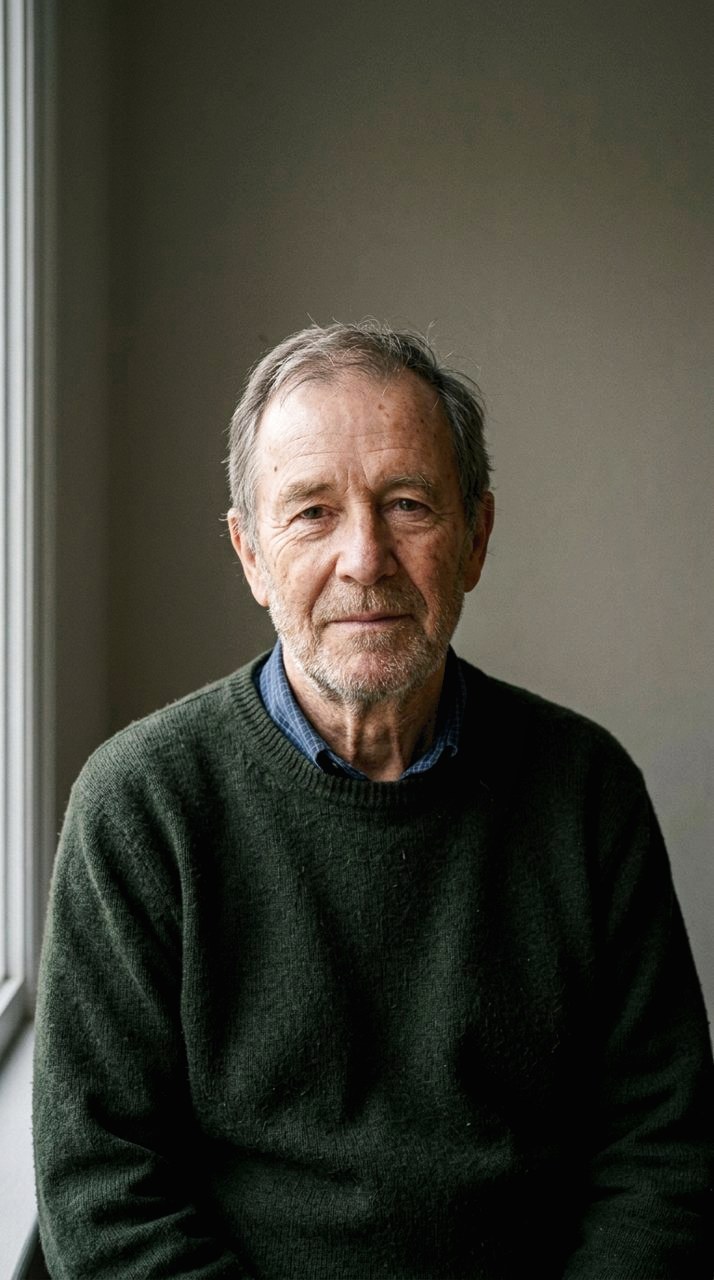

open
One box, opened
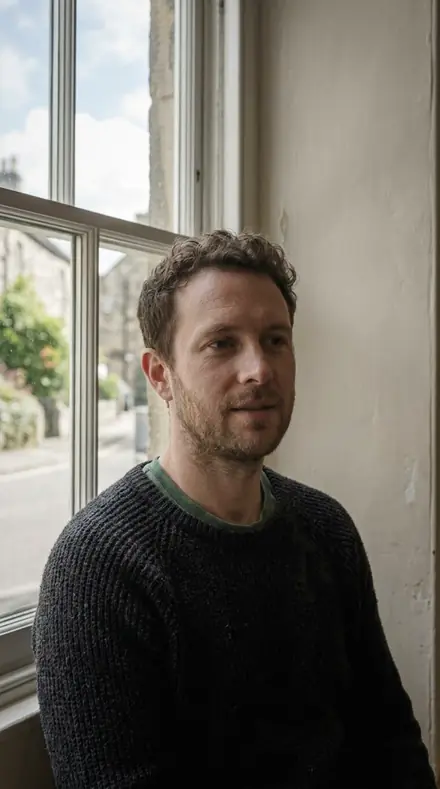

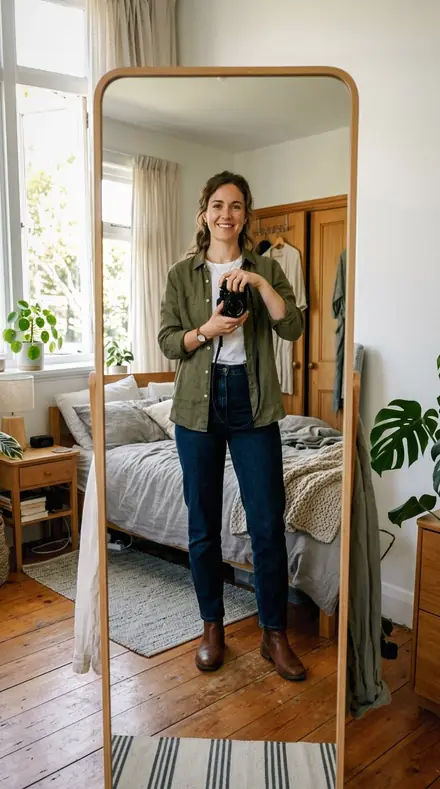
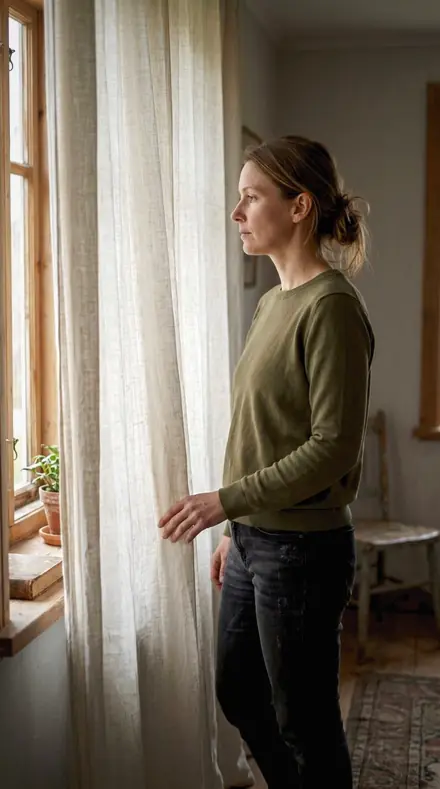
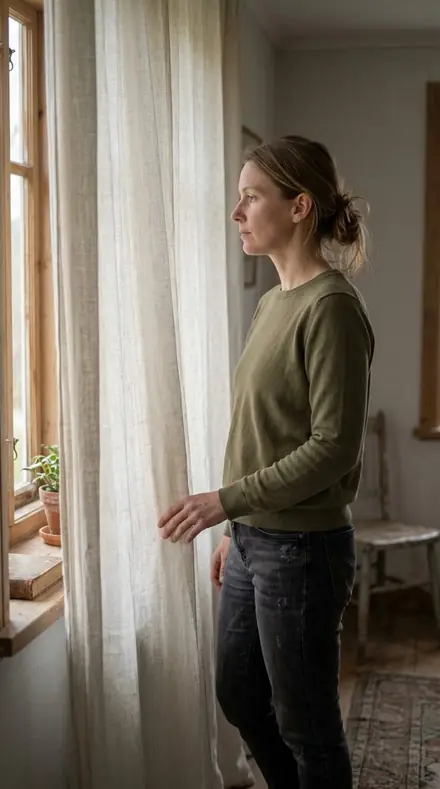
Each card in the archive names a pattern, then the key, then the fill, then the preset. Broad and short: the key on the near cheek or the far one, the wider reading of a face or the narrower, with Loop Standard for the everyday soft key most sittings actually shoot. Beauty light: butterfly for a dish above and in front, the under-nose shadow small and symmetrical; clamshell for key above and reflector below, shadow contrast low and skin open across the whole face.
Hard light: a bare head, a fresnel, a snoot, with speculars left specular and shadow edges kept crisp; split for a source square to one side, half the face to shadow and the divide down the nose clean. Key and rim: Rembrandt for the three-quarter turn with the cheek triangle held; rim for back light and kickers, the edge glow pulled back from a blown line to a described edge.
Inside every collection the presets move by setup: the fill added, the ratio shallowed, the head turned, the grid fitted, the sitting that has to match last month's. Apply the card that matches the diagram in your set notes and run it across the whole sitting.
The drawers below show a few presets from each, on the same faces, so you can see the pattern honoured before you file it.
the archive
The Archive
144 presets across 4 territories
Four drawers, two patterns each. Open one to see its collections and a few presets on the same faces.
Broad and short
boxThe key on the near cheek or the far one, and the everyday loop most sittings actually shoot.
- Broad Short 18 presets
- Loop Standard 18 presets





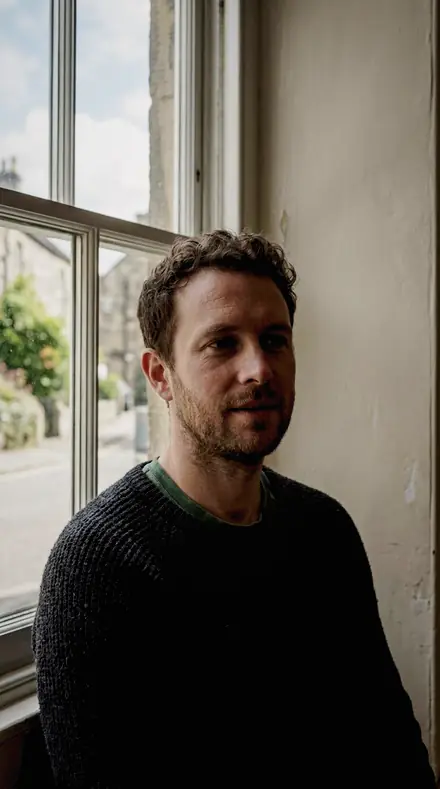


Beauty light
boxButterfly for a dish above and in front; clamshell for key above and reflector below.
- Butterfly Beauty 18 presets
- Clamshell Fill 18 presets


Hard light
boxBare head, fresnel, snoot, and the split with the divide down the nose.
- Hard Fresnel 18 presets
- Split Light 18 presets


Key and rim
boxRembrandt with the cheek triangle held; rim and kicker with the edge glow off the clip.
- Rembrandt Key 18 presets
- Rim Separation 18 presets


how it works
Yours in two minutes
- Buy the setCheckout takes a card; you get a receipt by email.
- Download instantlyThe preset files download right after payment. Re-download any time from your account.
- Import to LightroomOpen the files in the free Lightroom app (iOS or Android) or Lightroom Classic. Lightroom saves them as presets automatically.
- Tap a presetOne tap applies the full look. Every setting stays editable after.
- Single-user license. Yours to use in personal and client work.
- No redistribution. Don't resell or share the preset files themselves.
- Free app is enough. No Adobe subscription needed for Lightroom mobile.
- Keep it forever. Files live in your account for re-download.

the maker
Why I Make These
I am Netzah Elad Topaz. I take photographs and I build software, and the two keep leading me back to the same problem. You were there. The light was doing something you will not see again. Then the photo comes back flat, and it is not what you were looking at.
Closing that gap is the whole job. Every preset here is built from Adobe defaults by hand, with a written note for what it should do to a picture, and it is judged on real photographs before it ships. Nothing is a filter dropped on top of your work.
What I want is simple. You open a photo you almost gave up on, you tap once, and there it is: the day you remember, not the file your camera handed you. That is worth doing properly.
Netzah Elad Topaz, photographer and software builder
get it
Get Lighting Patterns
Lighting Patterns
$199
All 144 presets · one-time payment · instant download
Works in the free Lightroom app · keep forever
Instant download after payment. The download link is also sent to your email and stays available in your account.
questions
Asked and Answered
I only ever shoot loop. Why the rest?
Run Loop Standard across your sittings and leave the other drawers shut. They are there for the day a client wants a split, or a beauty brief asks for clamshell.
Is there a preset for a specific fill ratio?
Yes. Clamshell Fill and Loop Standard both hold a ratio card, and Rim Separation holds the rim-to-key ratio the photographer metered on set.
Is this one download or several?
One ZIP, with every collection in its own folder. Import them all, or only the ones you use.
Do these work in the free Lightroom app?
Yes. Import the .xmp files in the free Lightroom app on iPhone or Android, no subscription needed. They also work in Lightroom Classic and Lightroom on desktop.
What exactly do I get?
All 144 presets from Lighting Patterns as .xmp files in an instant ZIP download. The link also lands in your email, and the purchase stays in your account so you can re-download any time.
How do I install them?
Two minutes: unzip, then import inside Lightroom. The step-by-step guide covers iPhone, Android, and desktop.
Can I use them for client work?
Yes. The single-user license covers personal and commercial photography. The one thing you can't do is share or resell the preset files themselves.
Can I tweak a preset after applying it?
Always. A preset is a starting point; every slider stays yours to adjust.
What if it's not for me?
Before your first download we refund, no questions asked. After a download, sales are final except a technical fault we cannot fix or a duplicate charge. Details on the refunds page.